
What Is eFax, Internet Fax, and Digital Fax?
eFax, internet fax, digital fax, and mobile fax are the same technology: sending faxes over the internet without a phone line or fax machine.
Quick Verdict
eFax, internet fax, and digital fax all refer to the same thing: sending and receiving faxes over the internet without a traditional fax machine or phone line. Instead of analog transmission through a phone network, these services convert your documents into digital files and transmit them using internet protocols—often through email, web portals, or mobile apps.
If you’re evaluating fax options for occasional use or regular business needs, understanding these terms helps you compare services accurately. They’re mostly marketing variations on the same underlying technology.
What Is Internet Fax?
Internet fax is fax transmission using internet protocols instead of traditional phone lines. When you send an internet fax, the service converts your document into a fax-compatible format and transmits it digitally—either directly to another internet fax service or through a gateway that converts it back to analog for traditional fax machines. The ITU-T T.37 standard defines this as “store-and-forward” transmission via internet mail.
Key characteristics of internet fax:
- Cloud-based operation — No physical hardware required; everything runs on remote servers
- Email or app-based sending — Upload documents through a web portal, email attachment, or mobile app
- No dedicated phone line — Works entirely over your existing internet connection
- Compatible with traditional fax machines — Can send to and receive from standard fax numbers through conversion gateways

What Is Digital Fax?
Digital fax is another term for internet fax and eFax—they’re synonymous. “Digital” emphasizes that the transmission method is electronic rather than the analog phone-line signal used by traditional fax machines. Instead of converting your document into audio tones over a telephone connection, digital fax uses internet protocols to transmit facsimile data electronically.
Here’s how digital fax compares to traditional faxing:
| Feature | Digital Fax | Traditional Fax |
|---|---|---|
| Transmission method | Internet/email protocols | Analog phone line signal |
| Equipment requirements | Computer or smartphone | Fax machine + dedicated phone line |
| Cost structure | $10-30/month subscription or pay-per-fax | $100-300 upfront + ~$30/month line rental + paper/toner |
| Speed | Instant upload, delivery depends on recipient endpoint | 1 page per ~30 seconds of line time |
The speed advantage isn’t just transmission—digital fax eliminates the time employees spend feeding paper, retrieving printed faxes, and filing physical documents. At average U.S. wage rates of $37.41/hour, those minutes add up fast.

What Is Electronic Fax?
Electronic fax is yet another name for internet fax and digital fax—same technology, different label. The term emphasizes the elimination of paper-based processes: instead of printing, faxing, and filing physical documents, electronic fax keeps everything digital from start to finish.
Advantages of electronic fax over traditional faxing:
- No physical equipment — No fax machine, paper, toner, or maintenance costs
- Cloud document storage — Sent and received faxes are stored digitally, searchable and retrievable from anywhere
- Faster delivery — Upload a file and send instantly instead of feeding pages through a machine
- Environmental benefits — Americans use more than 700 pounds of paper per year, and paper makes up 35% of municipal solid waste by weight; electronic fax reduces that footprint
Worth noting: Electronic fax reduces paper handling, but it doesn’t guarantee a paperless workflow—some users still print documents for signatures, records retention, or legacy processes.
What Is i-Fax?
i-Fax is shorthand for internet fax. It’s the same technology as eFax, digital fax, and electronic fax—just an abbreviation you’ll see in technical documentation and from some service providers. The “i” stands for “internet,” and the term functions identically to the others.
In technical contexts, i-fax often refers specifically to the ITU-T T.37 standard for fax transmission over IP networks. This standard describes the “store-and-forward” mode of facsimile transmission via internet mail—essentially, how internet fax services package and route your documents digitally instead of transmitting them in real-time over a phone connection.
What Is Mobile Fax?
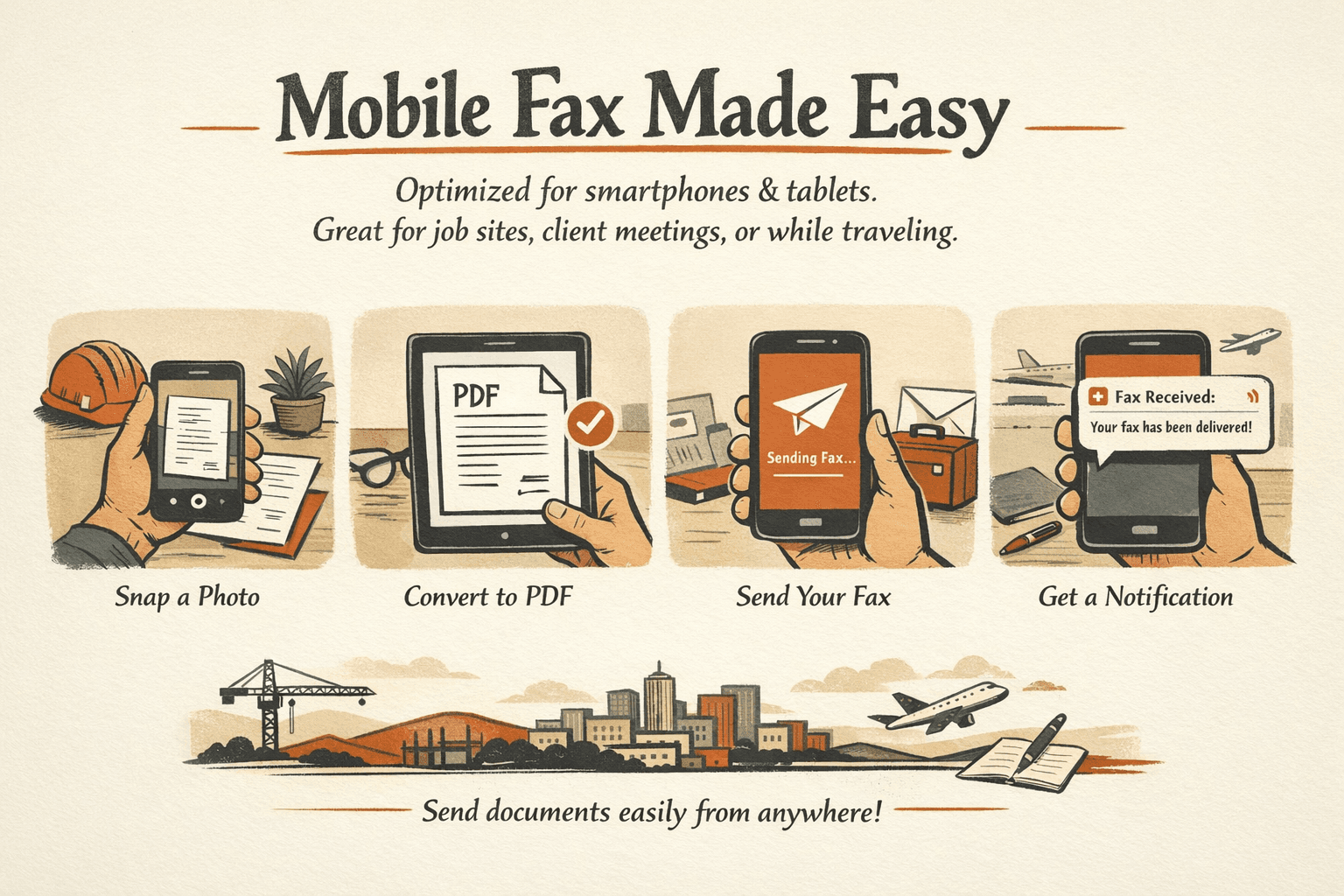
Mobile fax is internet fax accessed through mobile devices like smartphones and tablets. It’s not a different transmission technology—it’s the same internet-fax workflow, but optimized for mobile apps and interfaces. Instead of sitting at a computer to upload and send a fax, you can do it from anywhere with your phone.
Mobile fax features that matter:
- Dedicated mobile apps — iOS and Android apps designed for quick document sending and management
- Camera-based document scanning — Use your phone’s camera to capture and convert documents to clean PDFs with automatic edge detection and glare removal
- Push notifications for incoming faxes — Get alerted immediately when a fax arrives, no need to check a web portal
- Faxing on the go — Send urgent documents from job sites, client meetings, or anywhere with internet access
Important if you’re in healthcare: Mobile fax apps for personal use aren’t automatically covered by HIPAA unless the app is provided by a covered entity or business associate. If you’re sending protected health information, verify the vendor offers a signed BAA and appropriate security controls.
How These Services Compare
All of these terms describe the same core technology: facsimile documents transmitted digitally over internet systems instead of analog fax lines. The differences are mostly in terminology and how you access the service.
| Feature | Internet Fax | Digital Fax | Electronic Fax | i-Fax | Mobile Fax |
|---|---|---|---|---|---|
| Transmission method | Internet protocols | Internet protocols | Internet protocols | Internet protocols | Internet protocols |
| Device requirements | Computer/smartphone | Computer/smartphone | Computer/smartphone | Computer/smartphone | Smartphone/tablet |
| Cost | $10-30/month or pay-per-fax | $10-30/month or pay-per-fax | $10-30/month or pay-per-fax | $10-30/month or pay-per-fax | $10-30/month or pay-per-fax |
| Typical use cases | General business faxing | Same as internet fax | Emphasis on paperless workflows | Technical/enterprise contexts | Field work, urgent sending |
| Special features | None—baseline functionality | None—baseline functionality | Document archiving focus | Standards-compliant transmission | Camera scanning, push notifications |
The takeaway: if you’re comparing services, focus on features, pricing, and reliability—not the marketing labels. The FCC treats online faxes as messages sent via email over the internet, regardless of what the service calls itself.
For one-time senders: If you just need to fax a document once—a signed contract, a medical form, a legal notice—ThirtyFax offers a no-account, no-subscription option. Send 1 fax up to 5 pages free, or pay €4.99 flat for up to 20 pages with no branding. No sign-up, no recurring charges, no surprises.
Which Type of Internet Fax Is Right for You?
All internet fax services work the same way under the hood, so your choice comes down to how often you fax, what devices you use, and whether you need compliance features. Ask yourself: mobile access, fax volume, integrations, and industry regulations.
Factors to consider when choosing:
- Device preferences — Do you need mobile-first convenience, or is desktop access enough? If you’re frequently on the go, prioritize services with polished mobile apps and camera scanning.
- Fax volume — Sending one fax? Pay-per-fax or one-time options make sense. Regular business faxing? Monthly subscriptions with page allowances ($10-30/month) are more cost-effective.
- Required features — Need e-signatures, cloud storage integrations, or team sharing? Compare feature sets carefully—most providers offer these, but implementation quality varies.
- Compliance needs — Healthcare, legal, and financial industries often require HIPAA-compliant faxing with encryption, signed business associate agreements, and audit logs. Not all services offer this—and those that do often charge more.
If you’re handling sensitive documents: Evaluate whether the provider offers encryption, proper access controls, and signed compliance agreements. HHS guidance says organizations should implement appropriate safeguards and decide whether and how to use encryption—don’t choose purely on price or convenience.
If you’re faxing rarely: One-off services like ThirtyFax (no account required, flat €4.99 for up to 20 pages) or FaxZero (free with branding, $3.29 paid) make more sense than committing to a monthly subscription you won’t use.


Written by
Bernard Bado
I created ThirtyFax after needing to send a single fax and refusing to pay for a monthly subscription to do it. I write here about faxing, document workflows, and the surprisingly stubborn role fax still plays in modern business.
View author profile